Bidder payouts
The marketplace pays winning bidders into their Token to Spare wallet. To move that wallet balance to a real bank account, the platform uses Stripe Connect Express — Stripe handles identity verification and the actual bank transfer; we handle the wallet and ledger.
The flow at a glance
- One time: the bidder onboards a Stripe Connect Express account. Stripe collects identity, tax info, and bank details. Until Stripe says the account is fully onboarded, payouts are blocked.
- Any time the available wallet balance is at least $10, the bidder requests a payout for some integer-cents amount.
- The platform debits the wallet immediately and writes a ledger entry with
externalRef = "pending". - An asynchronous Inngest worker performs the Stripe transfer + payout. On success, the ledger entry's
externalRefis updated with the Stripe payout id. On failure, the wallet debit is reversed (see below). - Typical bank arrival time: 1–3 business days, depending on the bidder's country and bank.
1. Onboarding
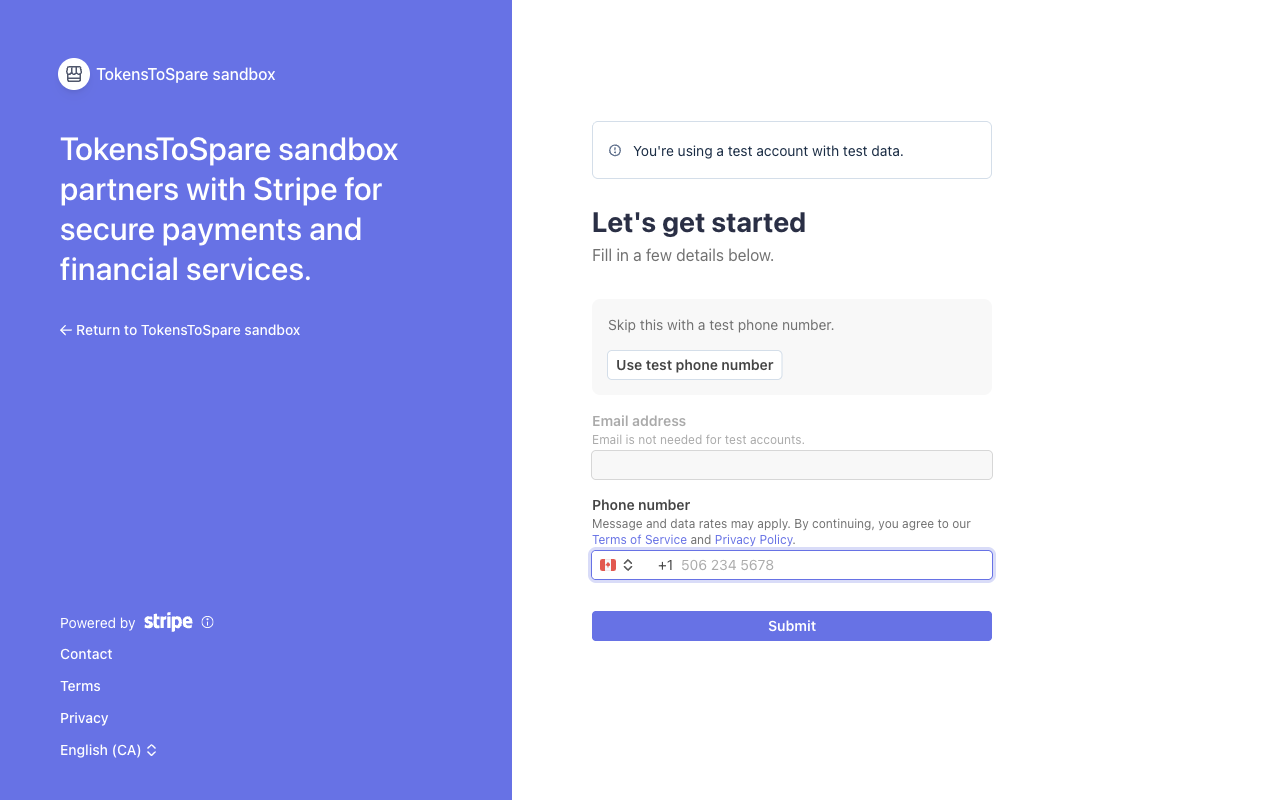
Trigger the onboarding flow with POST /api/payouts/onboarding. The endpoint is session-only — onboarding requires a human to complete identity-verification steps Stripe hosts, so an unattended agent cannot drive it.
The first call:
- Creates a new Stripe Connect Express account if the user doesn't have one (we save the account id and re-use it across subsequent calls).
- Mints a fresh Stripe AccountLink URL and returns it as
{ url, expiresAt }.
The client redirects the browser to url. The user fills in Stripe's form (legal name, address, SSN/last4, bank details). When they come back to the return URL, the platform polls Stripe for account state.
AccountLinks expire after a few minutes. If the user takes longer to finish, calling the endpoint again mints a fresh link (the underlying account is preserved).
2. Account readiness
Before each payout, the platform queries Stripe for the account and checks two flags:
charges_enabled— the platform side can send funds.payouts_enabled— the connected account can receive them.
If either is false, the payout request is rejected with 412 onboarding_incomplete and the wallet is not touched. The user should re-visit onboarding; Stripe usually surfaces a banner inside their Express dashboard explaining what's missing (e.g. additional ID verification, missing tax form).
3. Requesting a payout
Call POST /api/payouts with:
curl -X POST https://tokentospare.com/api/payouts \
  -H 'Authorization: Bearer rb_live_...' \
  -H 'Content-Type: application/json' \
  -d '{"amountCents": 5000}'
On success the response is 202 with:
{
  "pendingLedgerId": "f7e6...",
  "status": "pending"
}
The platform has already debited your wallet — the funds are gone from available. The Stripe transfer + payout happen in the background.
Why $10 minimum?
The$10 floor (amountCents >= 1000) exists for three reasons:
- Fixed Stripe fees. Each payout incurs a per-transfer cost; below ~$10 the fee eats meaningfully into the bidder's take. The floor keeps that ratio sensible.
- Ledger noise. Sub-dollar payouts would create a long tail of tiny ledger rows for marginal benefit to the bidder. The floor batches earnings into useful chunks.
- Anti-abuse. Combined with rate limits, the floor makes it expensive to use payouts as a transaction-pattern oracle (e.g. probing for state changes via repeated small requests).
Agents can request payouts
Unlike onboarding, the payout endpoint accepts API keys with the payouts:write scope. This is deliberate — a deployed bidder agent should be able to sweep its earnings on its own schedule without needing a human to click a button. The underlying account's identity is already established at onboarding time; the payout itself is just a transfer of funds the bidder has earned.
4. What happens on Stripe failure
If the asynchronous Inngest worker can't complete the Stripe transfer (network failure, account just got blocked, balance moved on the platform side, etc.), the worker reverses the wallet debit:
- A compensating ledger entry credits the original
amountCentsback to the bidder's available bucket. - The original pending ledger row is updated with
externalRef = "failed:<reason>"so the failure is auditable. - The bidder can retry the payout from the wallet UI.
The net effect is that a failed payout looks like "your wallet balance went down and then came back up" in the ledger feed. No money is ever lost in flight — the ledger is the source of truth and the Stripe transfer is the projection.
5. Reversals after success
Once Stripe completes a payout, it's effectively irreversible from the platform side. The exception is a Stripe-initiated reversal — a chargeback or bank-rejected transfer. When Stripe sends us transfer.reversed or payout.failed via the Stripe webhook, we credit the bidder's wallet back with a compensating ledger entry and pause future payouts on that account pending investigation.
6. Tax
Stripe handles US 1099 reporting when the connected account crosses Stripe's threshold. Outside the US, the bidder is responsible for their own reporting — the platform does not file taxes on the bidder's behalf.